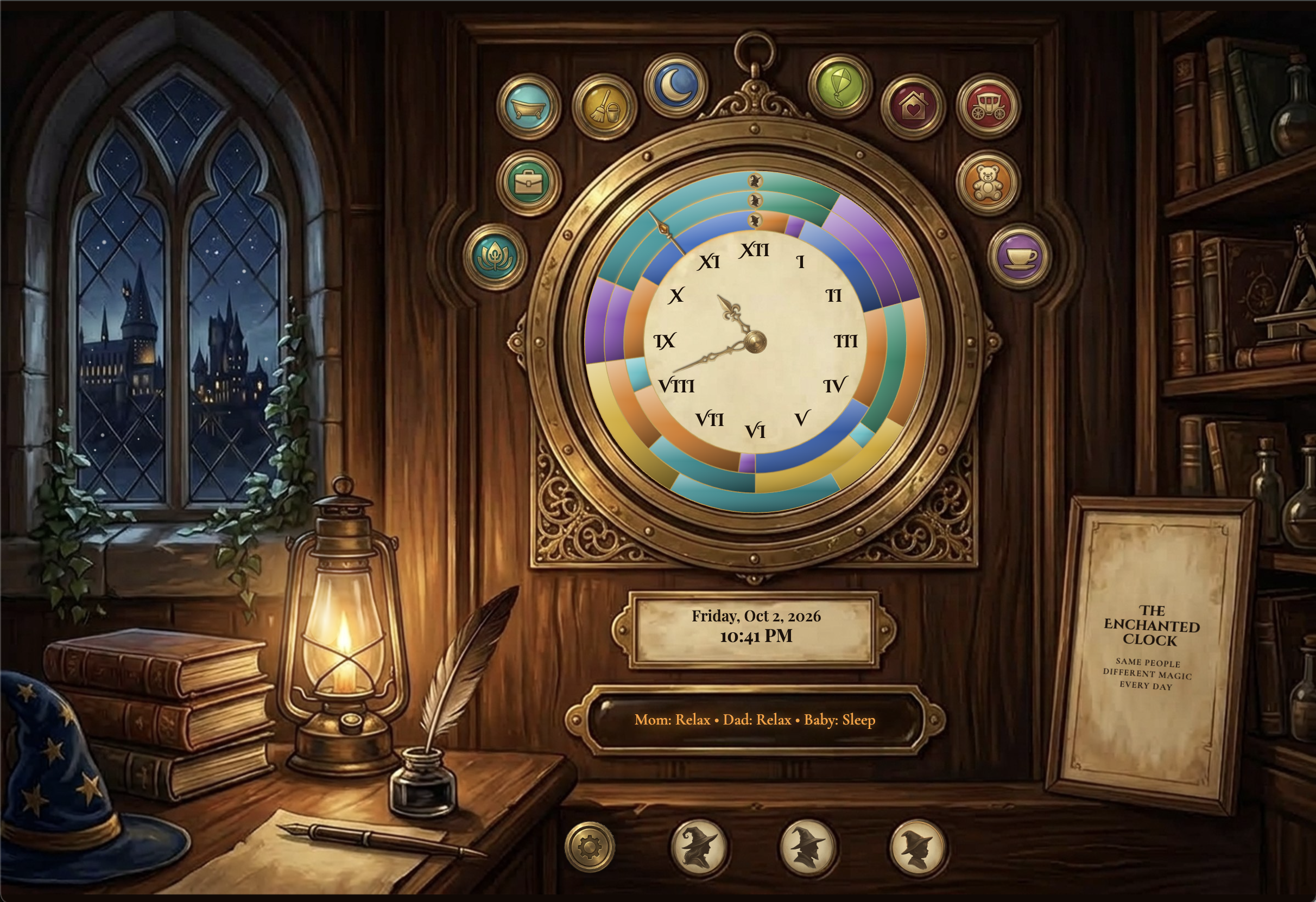
A Weasley-style wall clock that tells you what everyone is up to, not the time. I wanted a storybook heirloom, not a productivity dashboard.
In Harry Potter, the Weasley family has a clock with a hand for every person. It doesn't tell the time. It tells you where everyone is. I wanted to build my own version. I wrote the idea in a doc and brainstormed with Claude and Lovable. The first input decision was simple: tap a time range, then pick a card. Claude's first concept was flat cream rings with little emoji faces for the family and a "Right now" card.
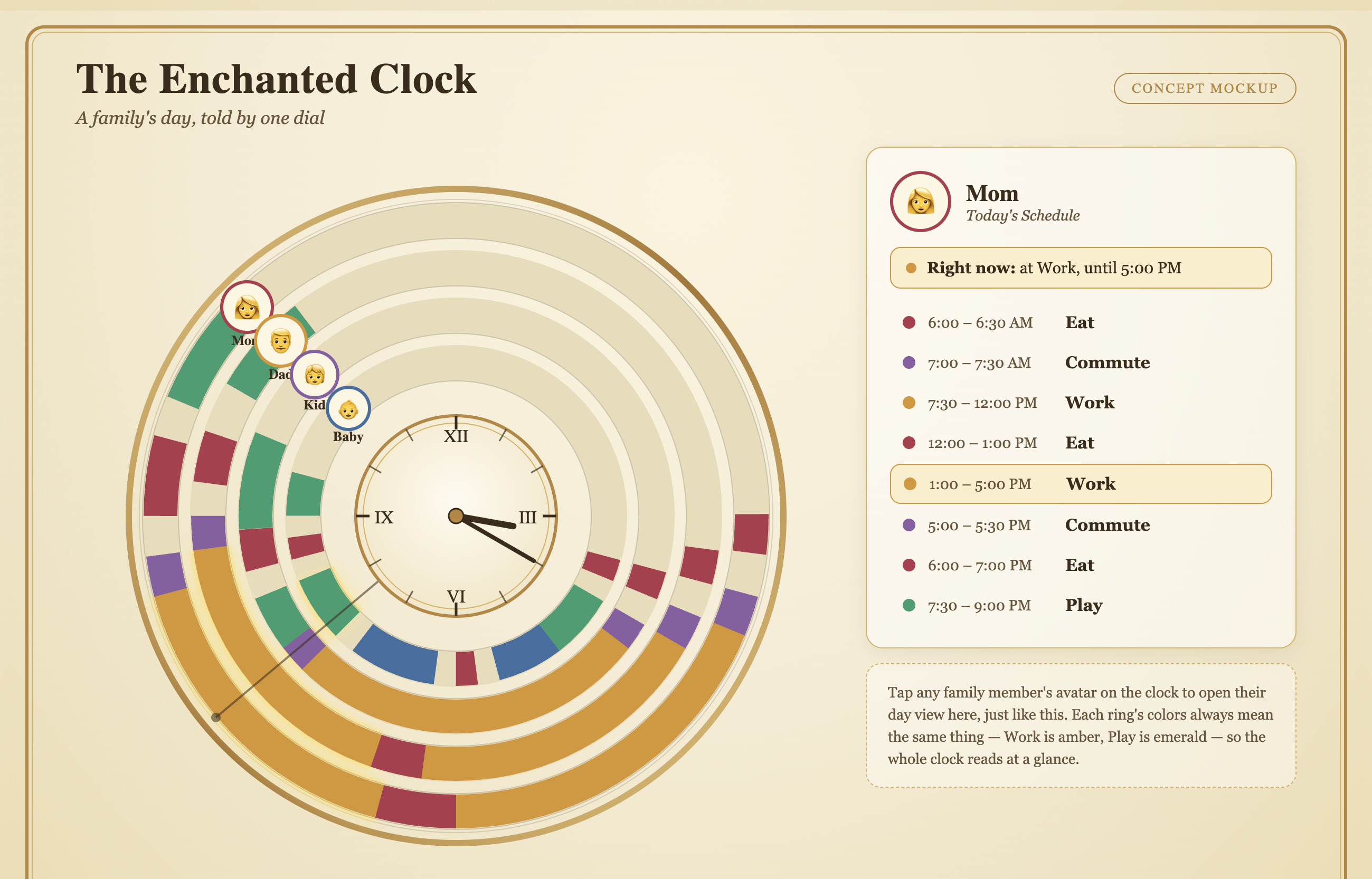
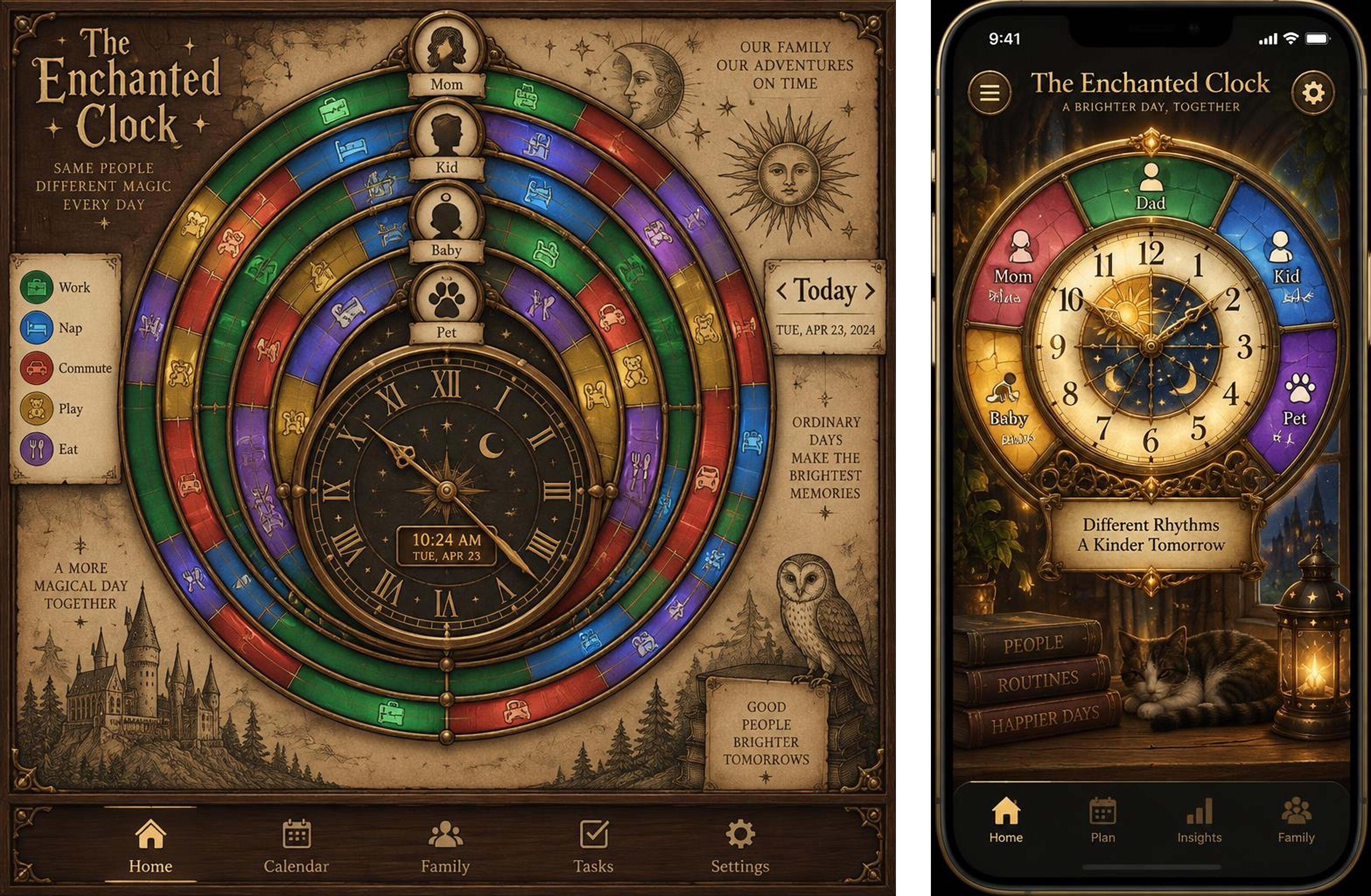
I compared Claude's concept with two Lovable renders and went back into ideation mode.
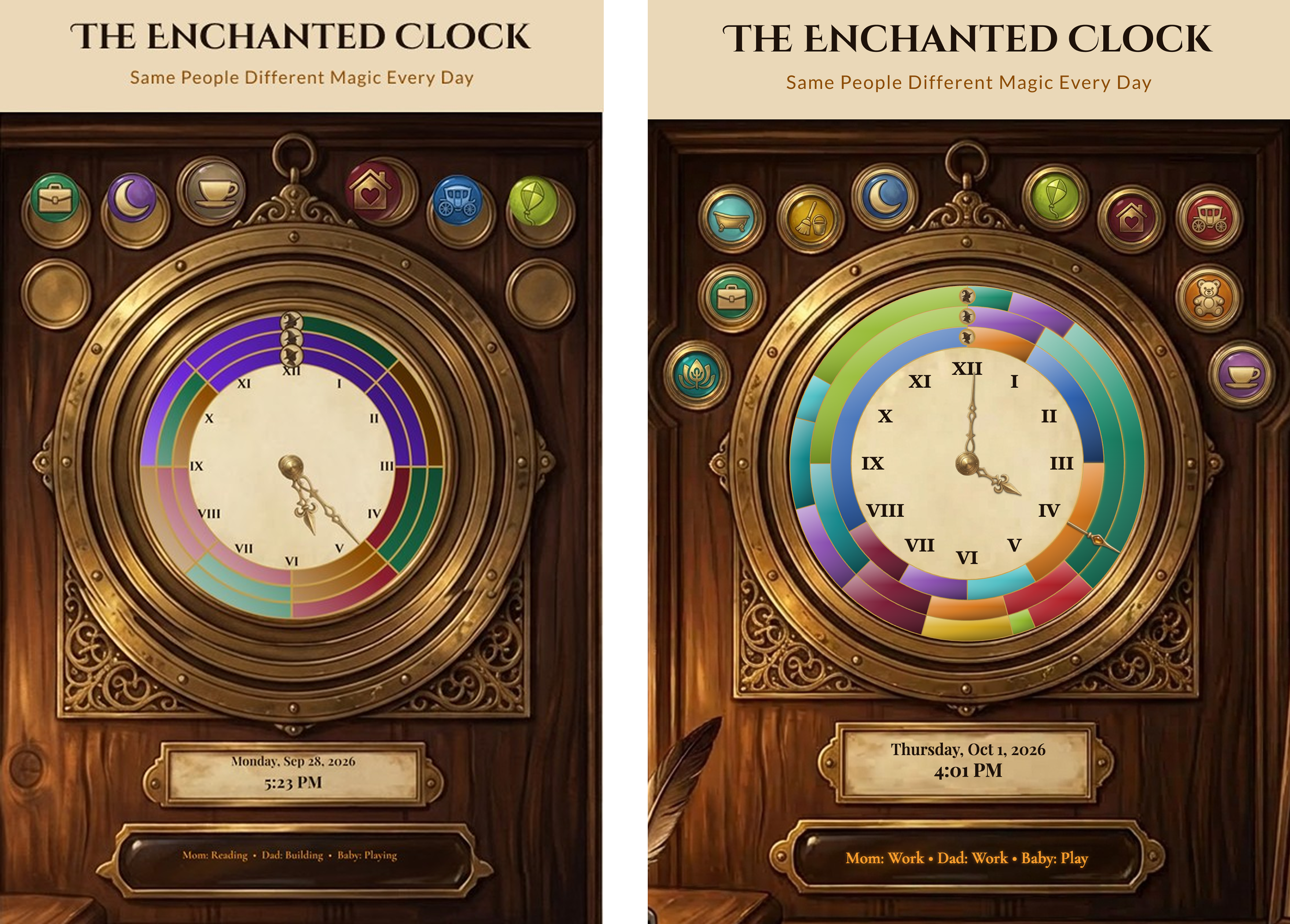
The approved image was good. The app built from it looked childish and unfinished. Lovable images were strong; turning an image into an app that matches it was the missing part.
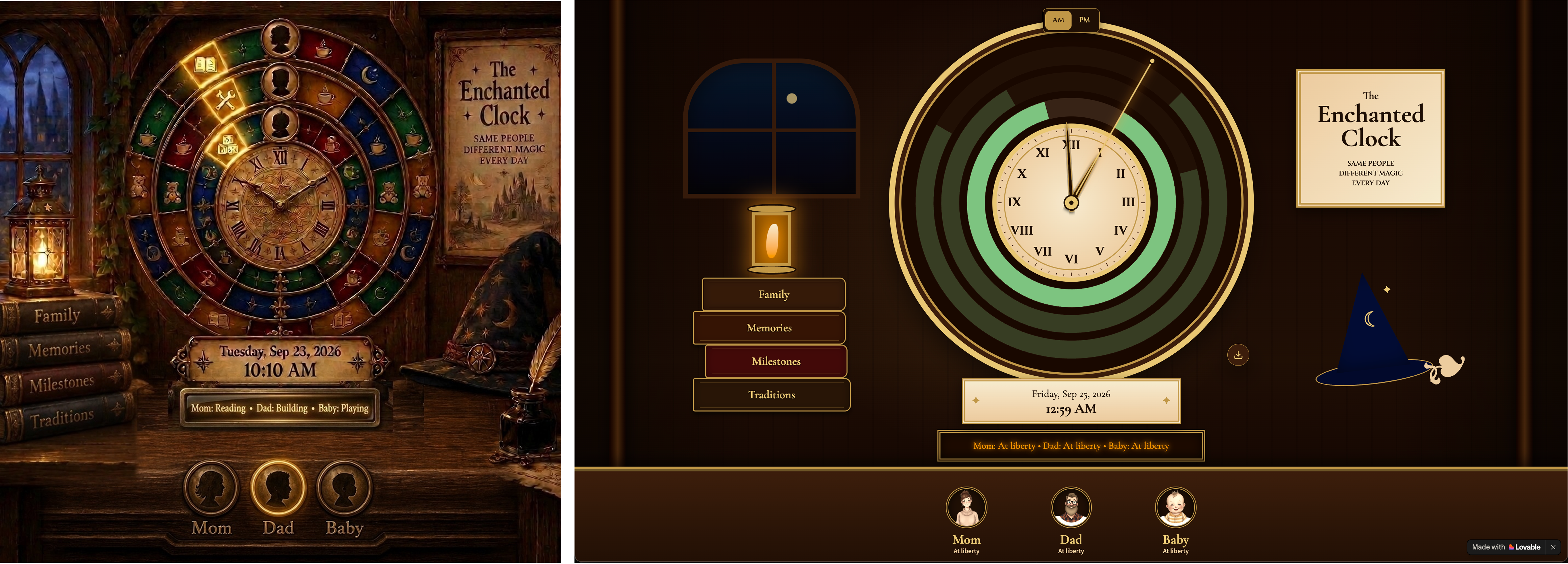
I re-rendered concept art on the Bing Image Creator which gave me better results.
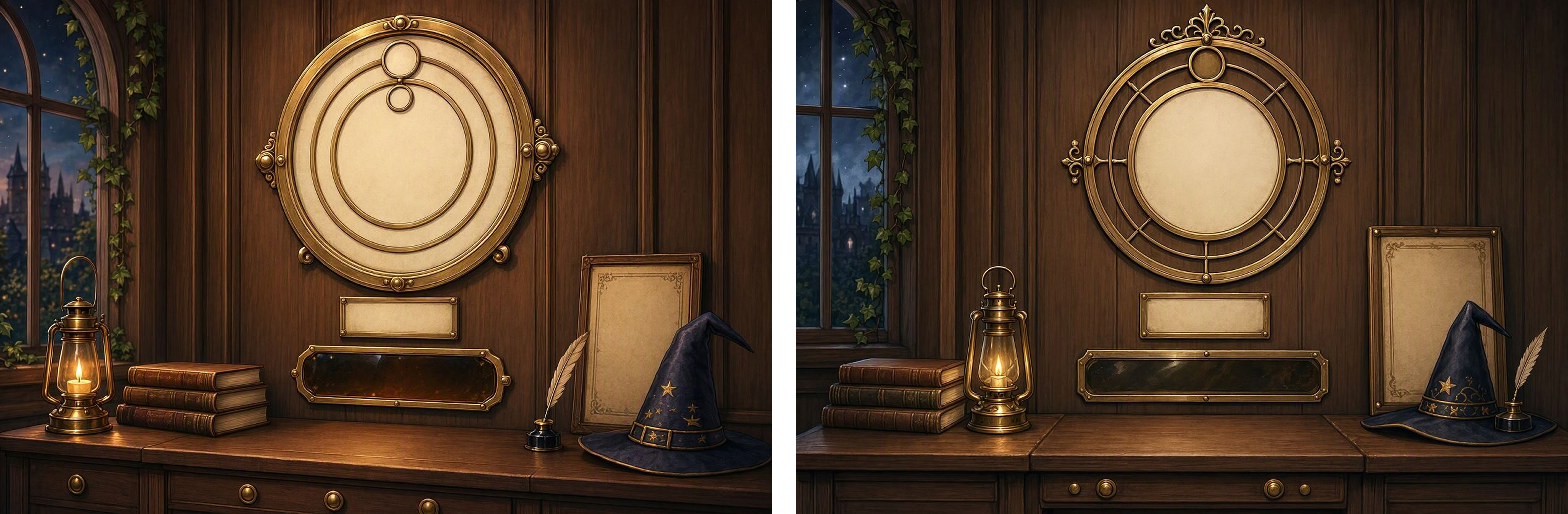
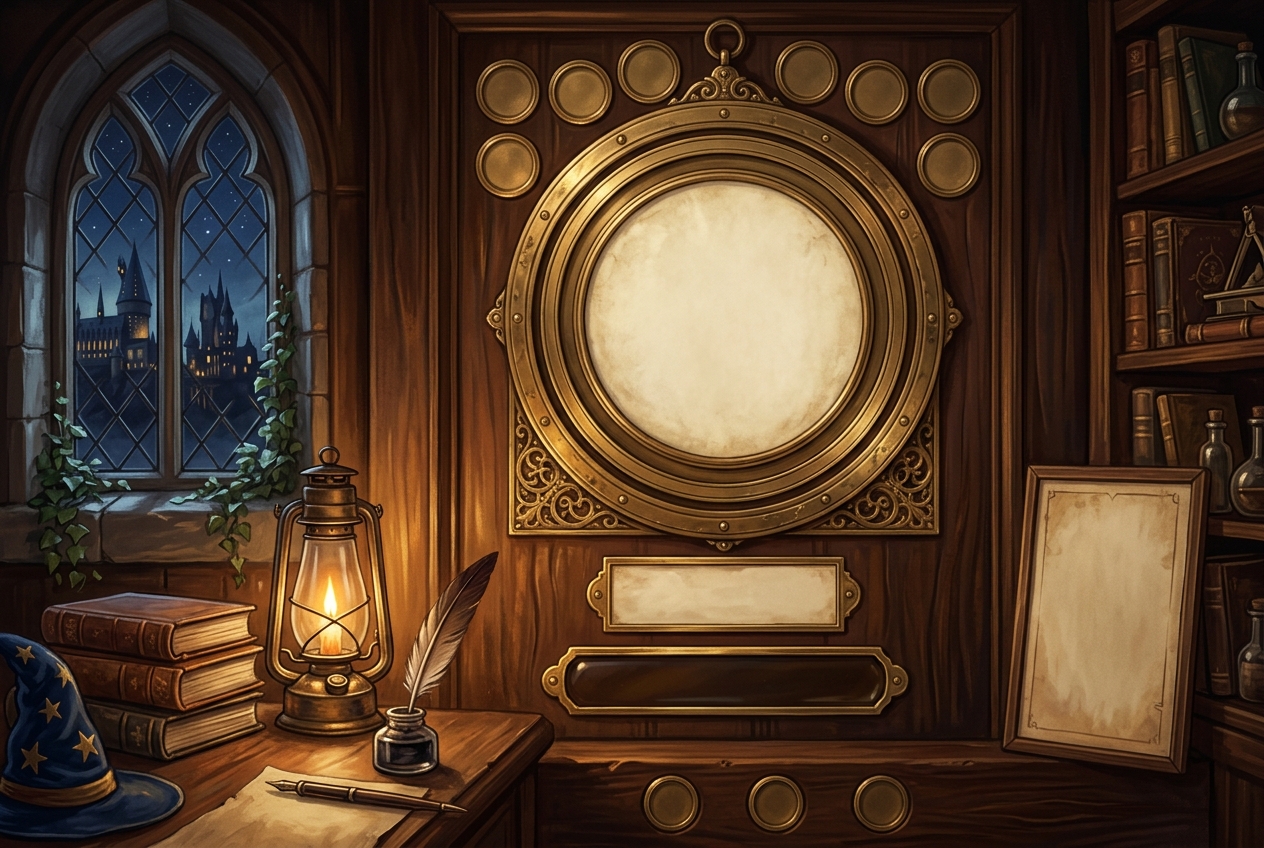
However, it didn't have everything I wanted to see. For my final background scene, I used the image rendered by the Google Gemini Nano Banana model.
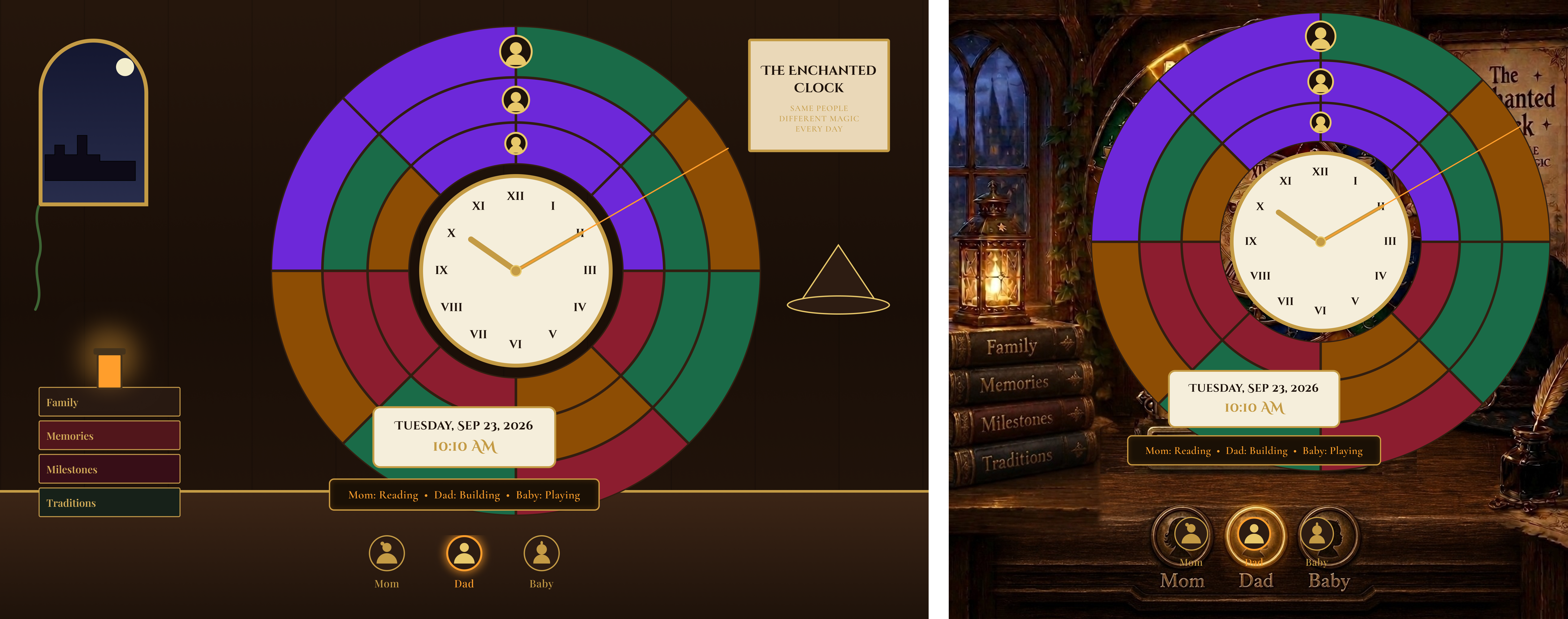
Claude built two home screens in Figma, one vector and one vector over the painting. I rejected both: the hand-built icons looked flat beside the painted concept. The new plan kept the painting fixed and drew everything that changes on top in code.
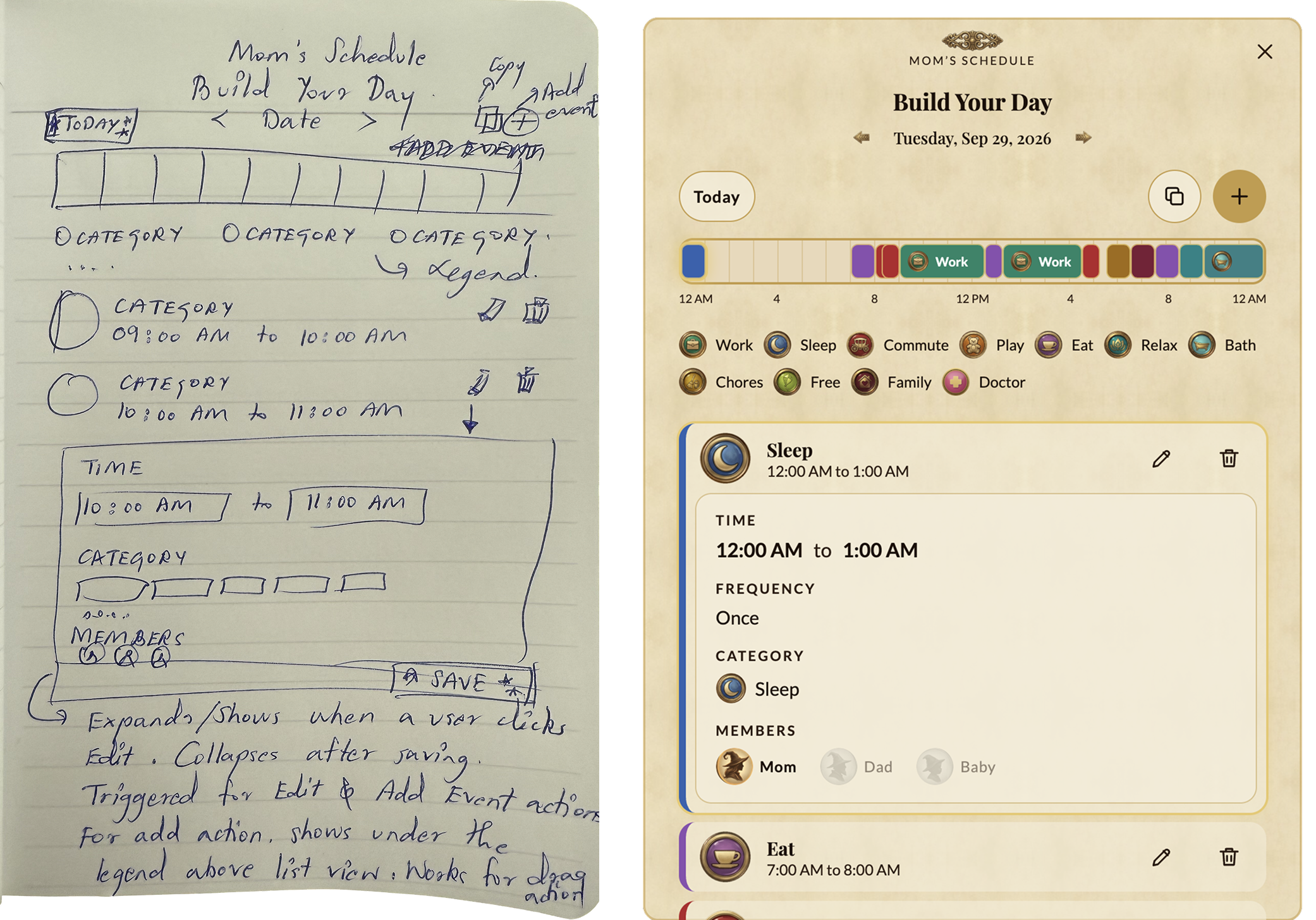
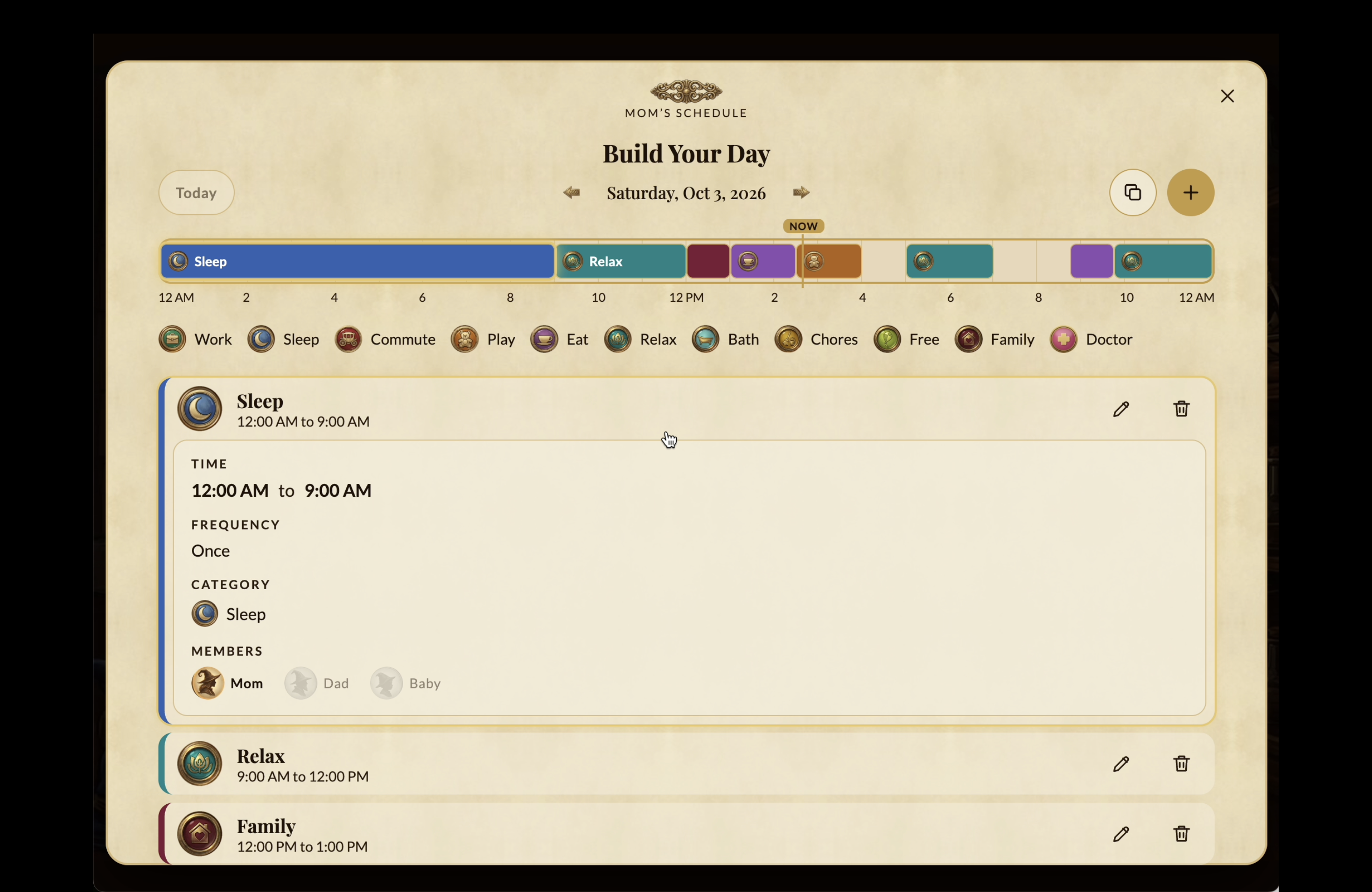
I drew the scheduler by hand, wrote the rules beside it, and uploaded a photo to Claude. The built version follows the sketch.
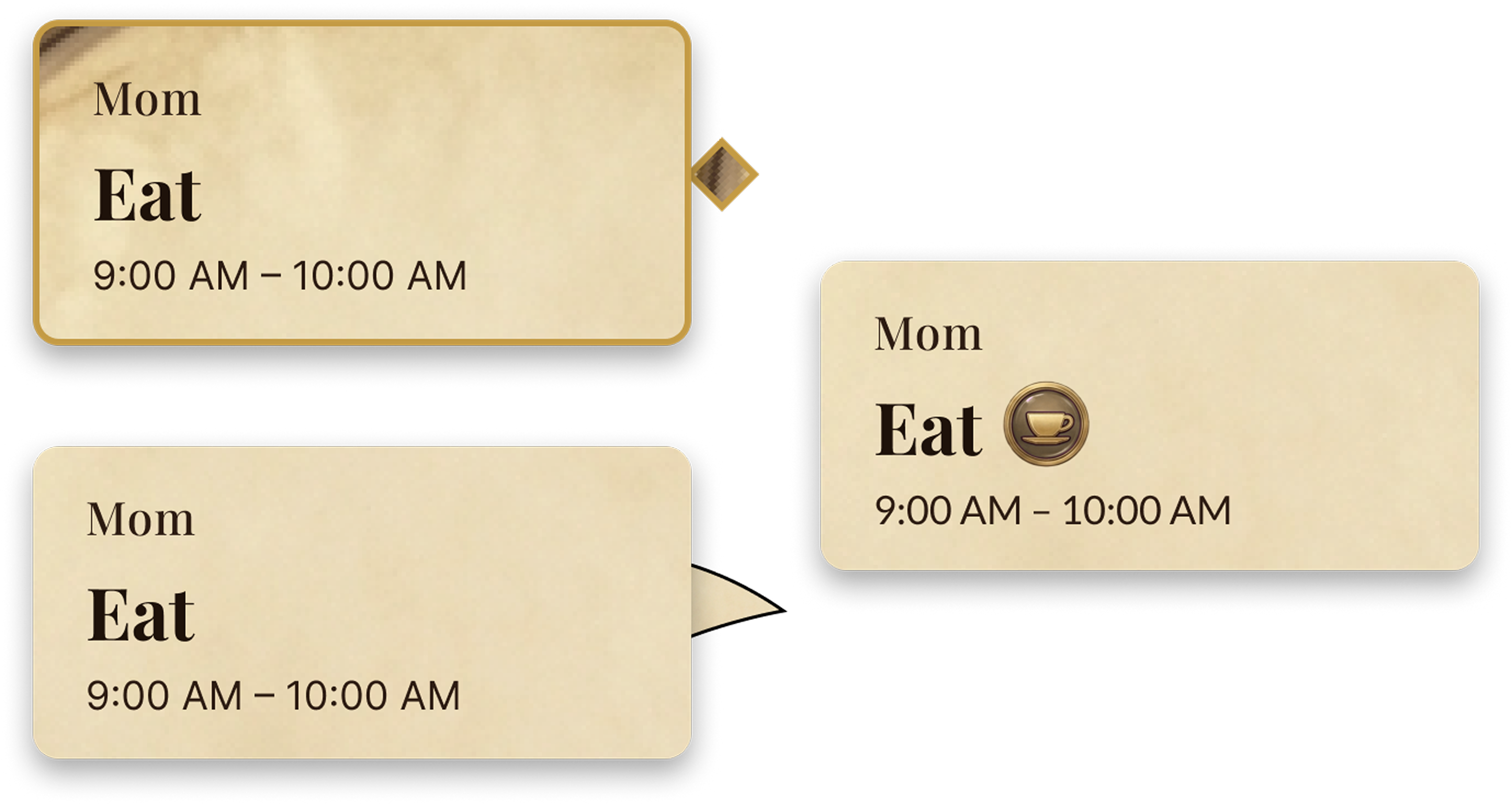
A tooltip tail looked off, so I removed it. The snapshot was misaligned in Figma, so the app now captures its own live screen.
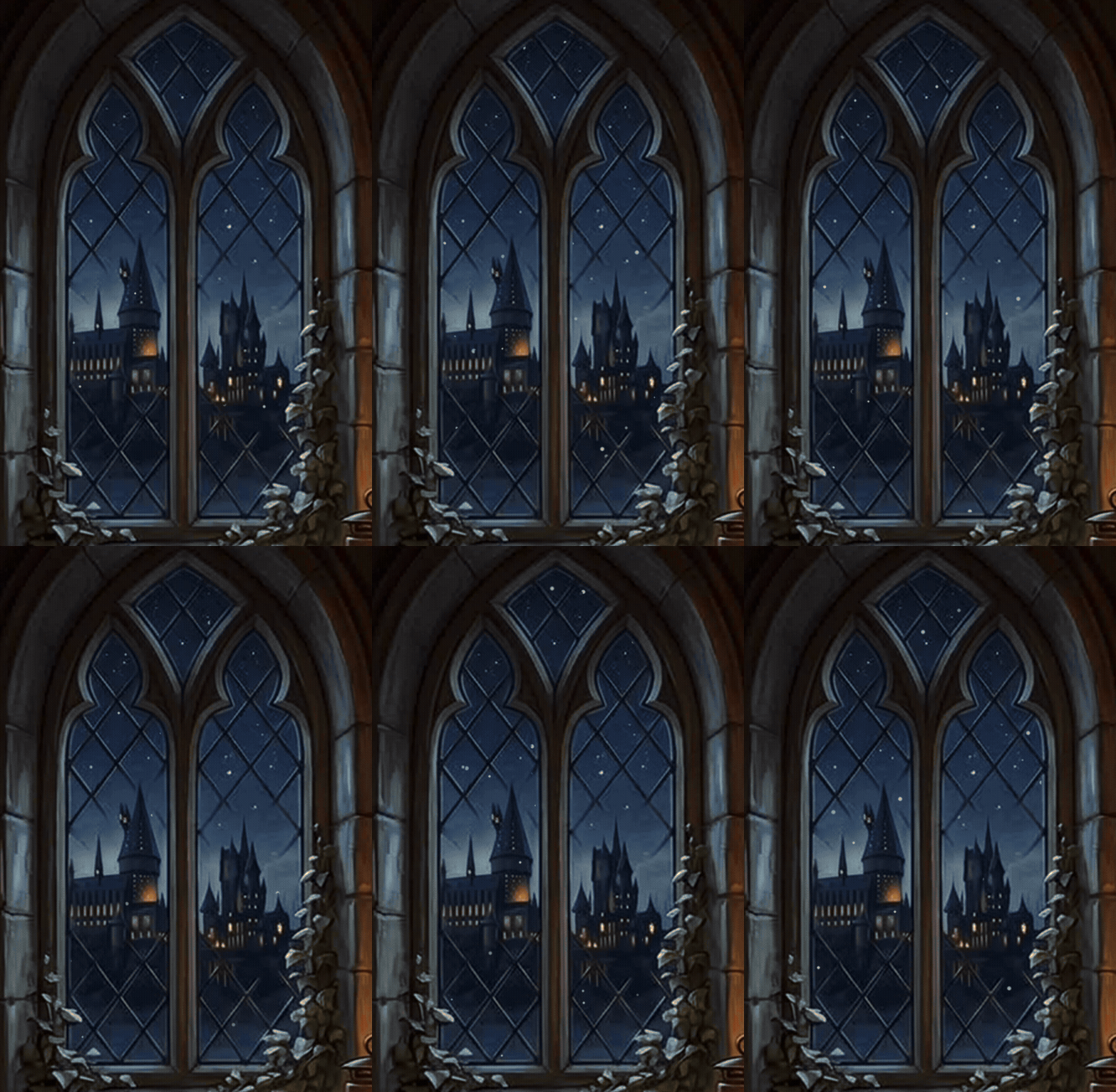
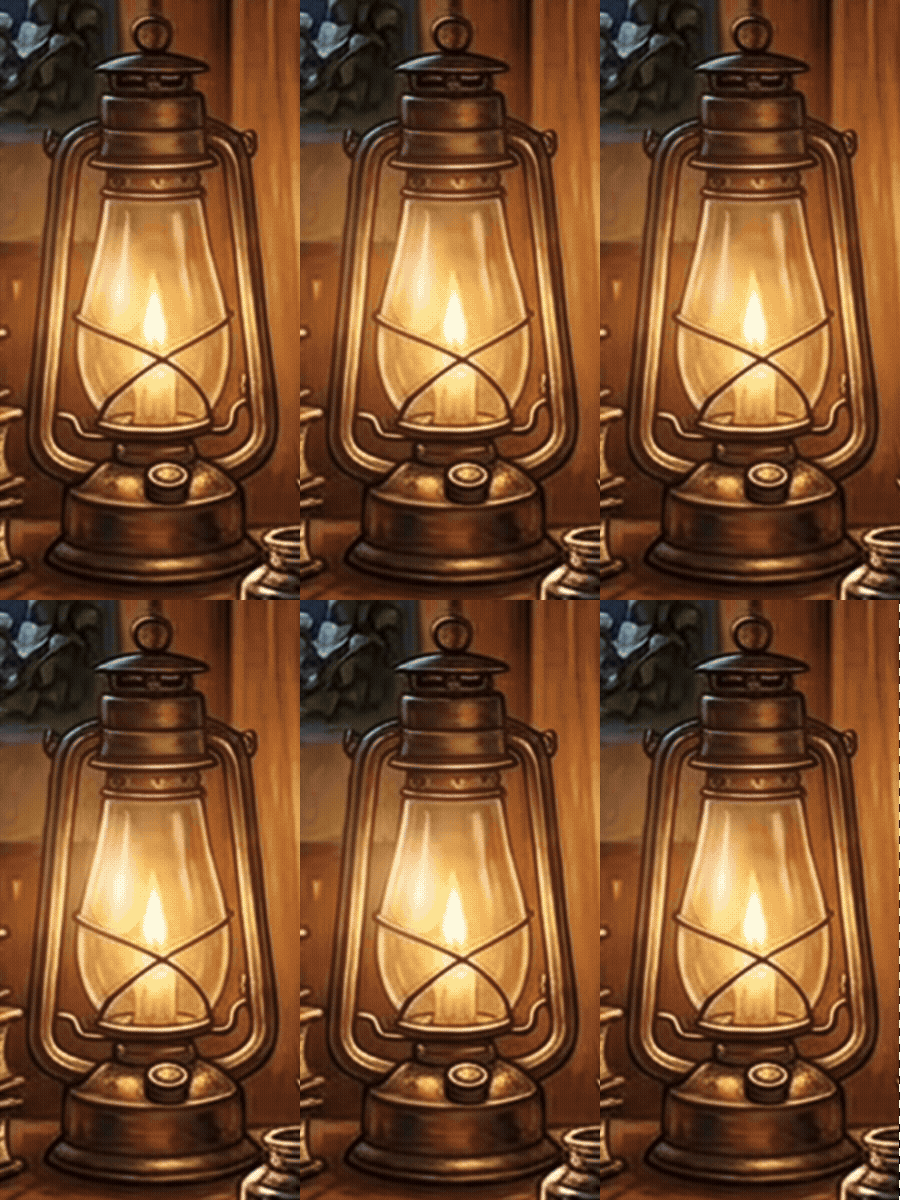
I wanted the app to feel like a wizard's study. Two small animations add warmth without pulling focus: snow falling past the window and a lantern flickering on the desk. The toasts also speak in the story's voice, so "Mom now gets to relax" replaces a generic "Event added."

The Weasley clock from the books now runs in our house, showing where each of us is and what we are doing, one ring at a time.
Nothing was built until I reviewed the requirements.
The scheduler came from my hand-drawn rules.
Visual design, flows, edge cases, affordances, UX copy, and accessibility.

Multiple feedback rounds, each logged in a log.md file.
A working web app for desktop and phone. Three rings show Mom, Dad, and Baby, with a glowing line that points at what each is doing now. Events repeat daily, on weekdays, or on weekends, and a day can be copied forward. Everything saves in the browser; nothing syncs across devices yet.
rings, one per family member
event categories
AI tools used
Test other image generation tools like Stable Diffusion, Runway, and Midjourney, and choose fonts before the art, so they match from the start. Write sharper prompts to cut back-and-forth.
The Enchanted Clock started as a story I wanted to live in, and it took about a week, four AI tools, and many versions I rejected. The painted scene with code drawing on top was the decision I would keep. The sketch, the requirements doc, and the numbered feedback log did more for quality than any single tool.
AI sped up the building. The design judgment, the choice of what to cut, and the final call stayed mine.